Free WinRAR Alternative for Windows 11 — NanaZip
Open, compress and encrypt archives with a modern Windows 11 interface — free WinRAR replacement, no popups.
WinRAR has been showing its "trial expired" popup since the early 2000s. Most users just click past it, but you're technically using paid software without a license. NanaZip offers a clean, permanent alternative that's completely free, open source, and designed for modern Windows rather than looking like it was last updated in 2003.
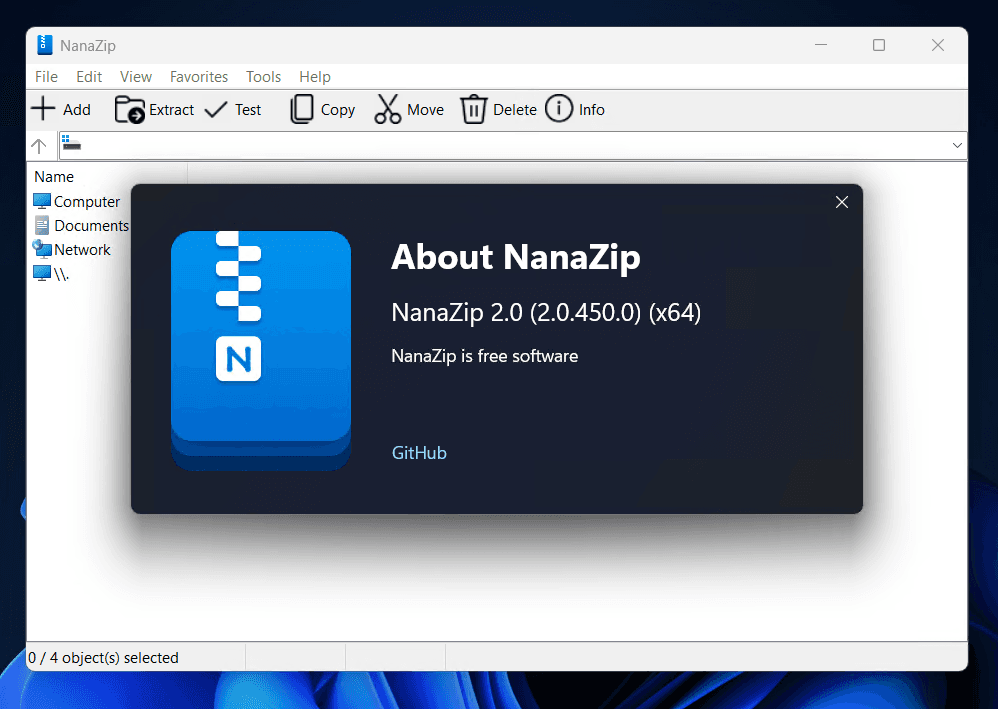
NanaZip is forked directly from 7-Zip, the gold standard of free file compression, and adds everything 7-Zip lacks on modern Windows: a proper Windows 11 context menu that integrates with the right-click system natively, full dark mode support that follows your system theme, a Fluent Design interface that matches the modern Windows aesthetic, and MSIX packaging for sandboxed, store-quality installation.
On the format side, NanaZip handles everything you'd expect — ZIP, 7Z, RAR, TAR, GZIP, and BZIP2 — plus modern additions like Zstandard (ZST), WebAssembly archives, and Electron ASAR packages used in desktop apps like VS Code and Slack. Smart Extraction automatically detects whether a ZIP contains a single nested folder or scattered files and places them correctly — no more manually moving extracted folders to where you actually want them.
Encryption is handled with AES-256, strong enough for sensitive archives. You get the full 7-Zip compression ratios and speed — consistently beating WinRAR's own format in benchmarks — while using an interface that doesn't make you feel like it's 2004.
The Sponsor Edition adds bonus themes but all core compression and extraction functionality is completely free. NanaZip installs via the Microsoft Store for automatic updates or as a standalone MSIX package.
Related Tools
- Files — Windows file manager with built-in tab support and archive preview that integrates with NanaZip's right-click menu
- Stirling-PDF — Compress and manage PDF files from the same folder where you unzip your archives