Send Files Over Wi-Fi — LocalSend
Need to send files from your phone to PC without USB or internet? LocalSend transfers anything over Wi-Fi instantly — no cloud, no account. Free and open source.
Send Files from Phone to PC Without USB, Cloud or Account — For Free
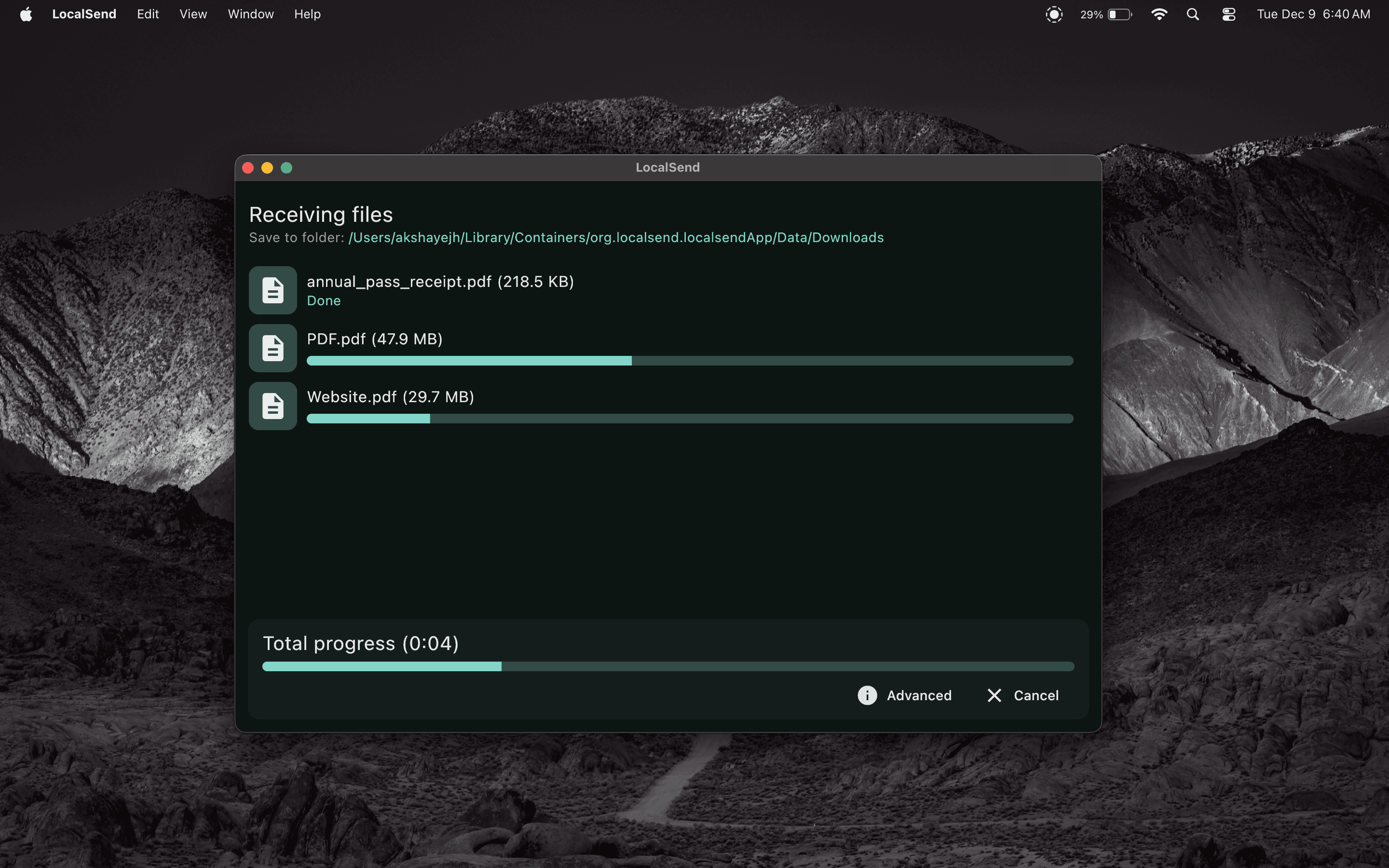
Have you ever emailed a file to yourself just to move it from your phone to your PC? Or dug out a USB cable just to copy a photo? LocalSend solves this: open the app on both devices, select the file, pick the recipient — done. No cables, no cloud, no account, no internet.
Everything happens directly over your local Wi-Fi at maximum speed. No Google Drive middleman, no Bluetooth lag, no cable hunting.
Works on Windows, macOS, Linux, Android, and iOS. Unlike AirDrop, which only works between Apple devices, LocalSend works across any combination of platforms — iPhone to Windows PC, Android to Mac, Linux to Android, anything. No file size limits, no subscription, no ads.
End-to-end encrypted on your local network. Nothing leaves your home or office network.
Key Features
- Send between any devices on the same Wi-Fi — phone to PC, tablet to laptop, any combination
- No internet, no cloud, no account — works completely offline on your local network
- No file size limits — send videos, folders, anything
- Cross-platform — Windows, macOS, Linux, Android, and iOS
- End-to-end encrypted — transfers stay on your local network
Who Is It For?
Anyone who regularly moves files between their phone and computer and is tired of USB cables, emailing themselves, or slow Bluetooth transfers.
Related Tools
- Jitsi — Start a video call on the same local network and share files via LocalSend during the meeting
- qBittorrent — Download larger files from the internet, then share them locally via LocalSend