Save Bookmarks With Full Page Archive — Free
Save web pages permanently with full-page archive — links never go dead. Free Raindrop alternative.
Browser bookmarks are not reliable. When a page goes offline, moves to a new URL, or gets taken down, the bookmark becomes a dead link and the content is lost forever. Research notes, reference articles, product pages, and online tutorials all eventually disappear — standard browser bookmarks cannot prevent this.
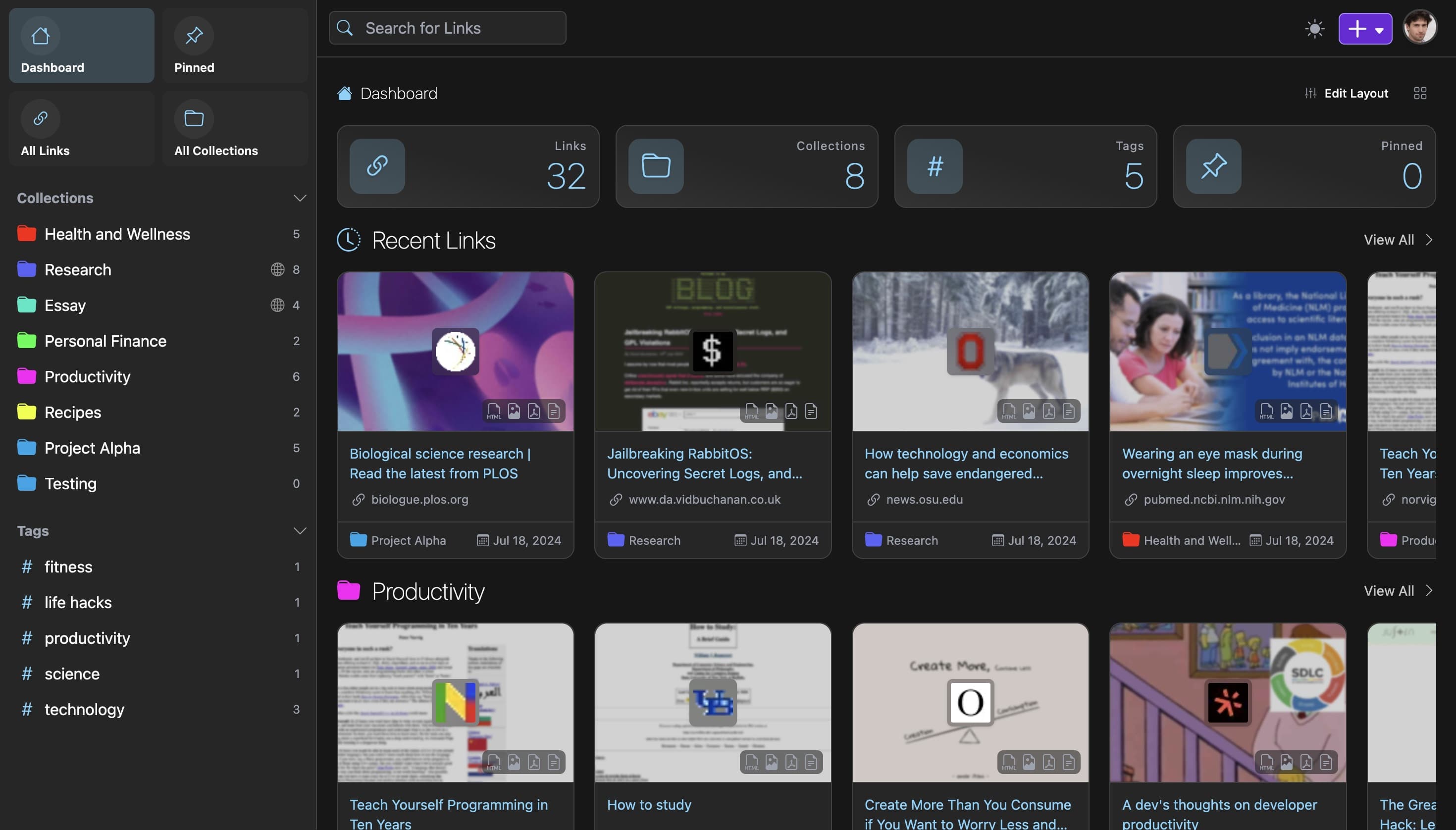
Linkwarden archives the full content of every page you bookmark, automatically, at the moment you save it. Each bookmark captures three formats simultaneously: a screenshot of the page as it appeared, a PDF for offline reading, and the raw HTML for full-text search. Even if the original URL goes dead tomorrow, your saved content remains fully accessible.
Beyond archiving, Linkwarden functions as a complete bookmark manager. Collections and nested sub-collections let you organize saves by project or topic. A built-in reader view supports text highlighting and annotation directly in the app, removing the need for a separate read-later tool like Pocket or Instapaper. Full-text search runs across all archived content, including the text of saved PDFs.
Linkwarden integrates with the Wayback Machine, adding a third layer of archival by linking to Internet Archive snapshots. Local AI-powered tagging analyzes saved content and suggests tags automatically without sending data to external services. Team collaboration lets members share curated collections with configurable permissions.
The self-hosted version is completely free and runs via Docker. A managed cloud option is available at $3 per user per month. Browser extensions for Chrome and Firefox make saving pages a one-click operation.