Cut Video Without Quality Loss Free — LosslessCut
Trim videos in seconds without re-encoding — preserves 100% original quality at no cost.
Cutting a video with Adobe Premiere Pro or DaVinci Resolve means waiting for the software to load, hours learning the interface, and re-encoding the entire file just to trim 30 seconds off the beginning. LosslessCut does the same job in seconds — without touching the original encoding, so quality is exactly preserved.
The core idea is simple: instead of decoding and re-encoding video frames, LosslessCut cuts at keyframe boundaries and reassembles the container. The result is near-instant trimming of even 4K or 8K footage with zero quality loss. A 20 GB file trims just as fast as a 200 MB one because the video data is never decoded.
Practical use cases include removing intros and outros from downloaded lectures, cutting commercials from recorded TV, extracting a specific scene from a movie file, splitting a long recording into individual chapters before uploading to YouTube, or pulling a clean audio track from a video file. The app supports virtually every format FFmpeg understands — MP4, MKV, AVI, MOV, WebM, and hundreds more.
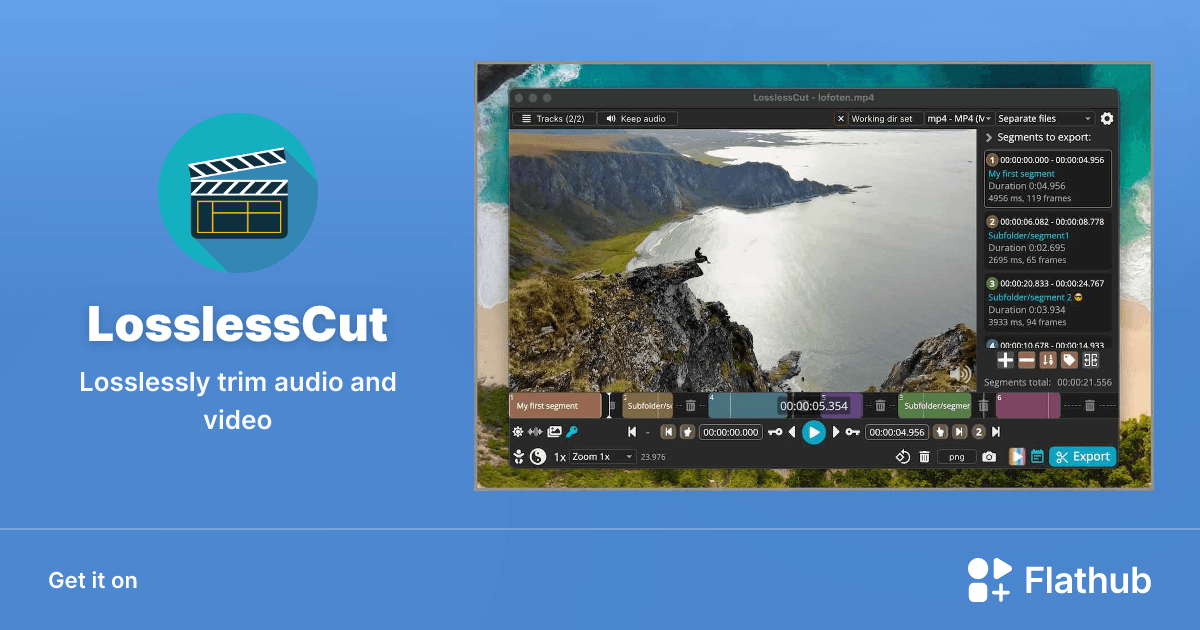
Beyond trimming, LosslessCut lets you merge multiple clips back into one file, extract individual audio tracks as standalone files, view keyframe positions on the timeline to understand where clean cut points are, and batch-process a queue of files without manual intervention.
The dark-mode interface is clean and the learning curve is minimal compared to any professional editor. It runs on Windows, macOS, and Linux — completely free and open source under GPL-2.0. No account, no subscription, and no re-encoding tax on your time or video quality.