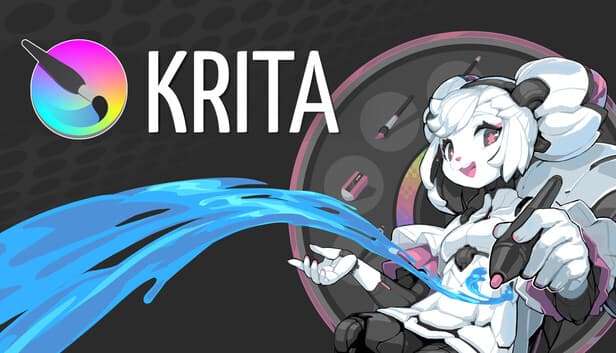
Free Digital Painting App — Krita
Want to draw concept art, illustrations or anime fan art without paying $55/month for Photoshop? Krita is a professional digital painting app used by illustrators worldwide — completely free.
Draw and Paint Digital Art for Free — No Photoshop Subscription Needed
Want to draw concept art, illustrations, comics, or anime fan art without paying Adobe's $55/month subscription? Krita gives you professional brushes, a full layer system, animation tools, and color management — completely free, on Windows, Mac, and Linux.
Unlike GIMP which is designed for photo editing, Krita was built from the ground up for painting and illustration. The brush engine is one of the best in any digital art application — free or paid — with 100+ brushes designed specifically for digital painting.
A built-in stabilizer keeps lines smooth no matter your drawing tablet or hand steadiness. Non-destructive layers with blending modes let you work the same way as in Photoshop or Clip Studio Paint. Animation tools are built directly into the app — no separate software needed.
Supports drawing tablets from Wacom, Huion, and others. Actively maintained by a dedicated team and used by professional illustrators, game concept artists, and students worldwide.
Key Features
- 100+ brushes for digital painting — designed by and for professional illustrators
- Animation tools built in — frame-by-frame animation without extra software
- Non-destructive layers with blending modes — same workflow as Photoshop
- Line stabilizer — smooth strokes with any drawing tablet
- HDR painting and color management — professional color workflow
- Cross-platform — Windows, macOS, and Linux
Who Is It For?
Digital artists, illustrators, anime and manga creators, concept artists, and students who want professional drawing tools without paying for Photoshop or Clip Studio Paint.