Free Audio Editor & Recorder — Audacity
Need to remove background noise or edit audio for free? Audacity records, edits and cleans up any audio — no subscription, no watermarks. The go-to free audio editor for podcasters and musicians.
Remove Background Noise & Edit Audio for Free — No Subscription, No Watermarks
Background noise ruining your podcast recording? Voice sounds hollow and thin? Need to cut silences or remove an awkward pause? Audacity handles all of it in minutes — for free, on Windows, Mac, and Linux.
Audacity is the answer when you need to fix your audio without paying for Adobe Audition or subscribing to expensive alternatives. Record directly from your microphone or line-in, edit on a visual multi-track timeline, apply noise reduction and EQ — then export to MP3, WAV, FLAC, or any format you need.
Used by podcasters, musicians, voice-over artists, students, and teachers worldwide. No subscription, no watermarks, no feature locks. Completely free and open source.
Key Features
- Remove background noise and hiss — clean up any recording in minutes
- Record from microphone, line-in or streaming audio — capture anything
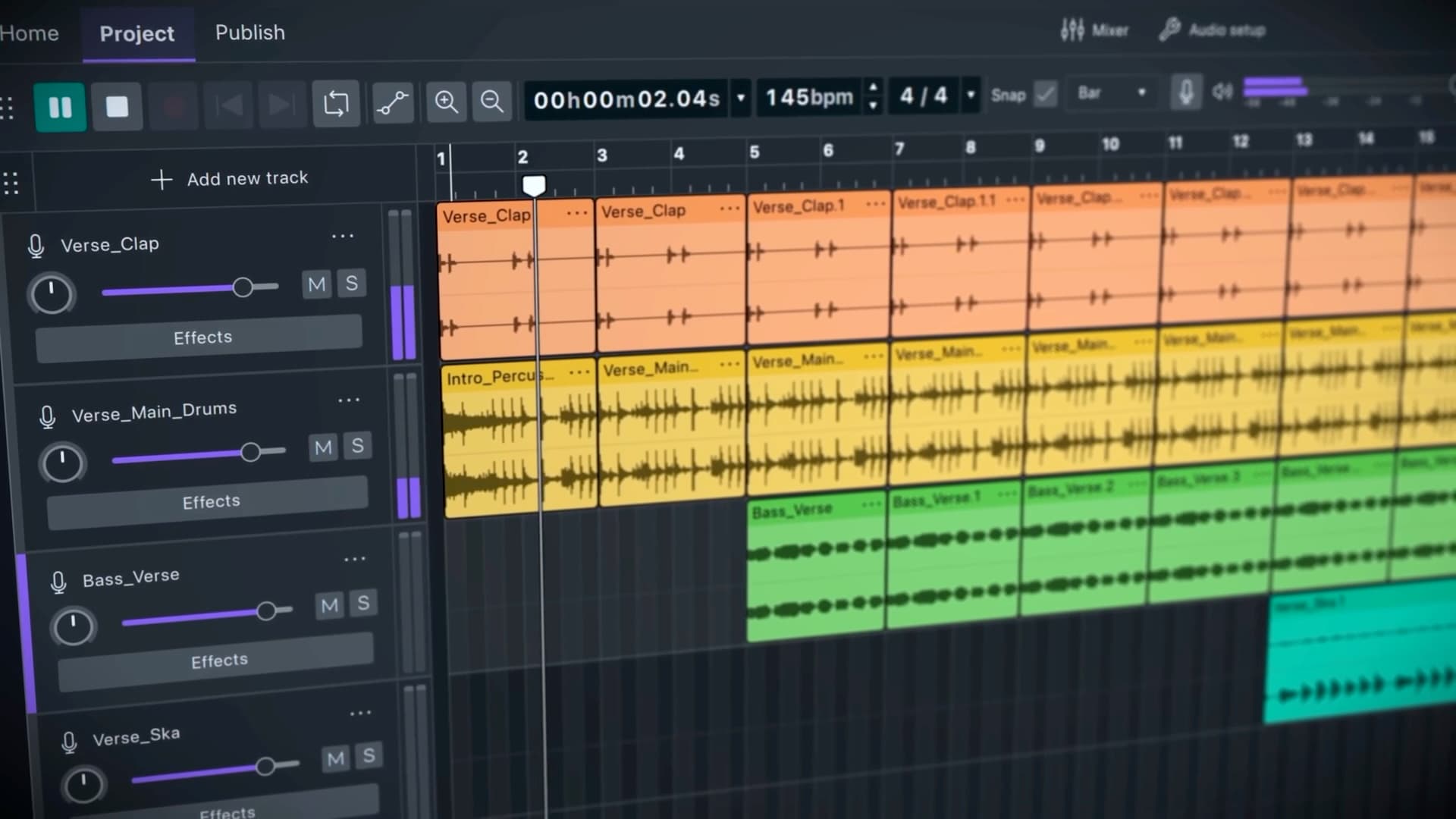
- Multi-track editing — cut, copy, mix and arrange clips on a visual timeline
- Export to MP3, WAV, FLAC and more — any format, no restrictions
- 100+ effects and plugins — EQ, compression, reverb, and VST support
Who Is It For?
Podcasters, musicians, voice-over artists, and anyone who needs to record or edit audio without paying for professional software like Adobe Audition.
Related Tools
- OBS Studio — Record your screen, game, or face with professional scene switching before editing the audio in Audacity
- Kdenlive — Full video editor if you need to combine your cleaned audio with video footage